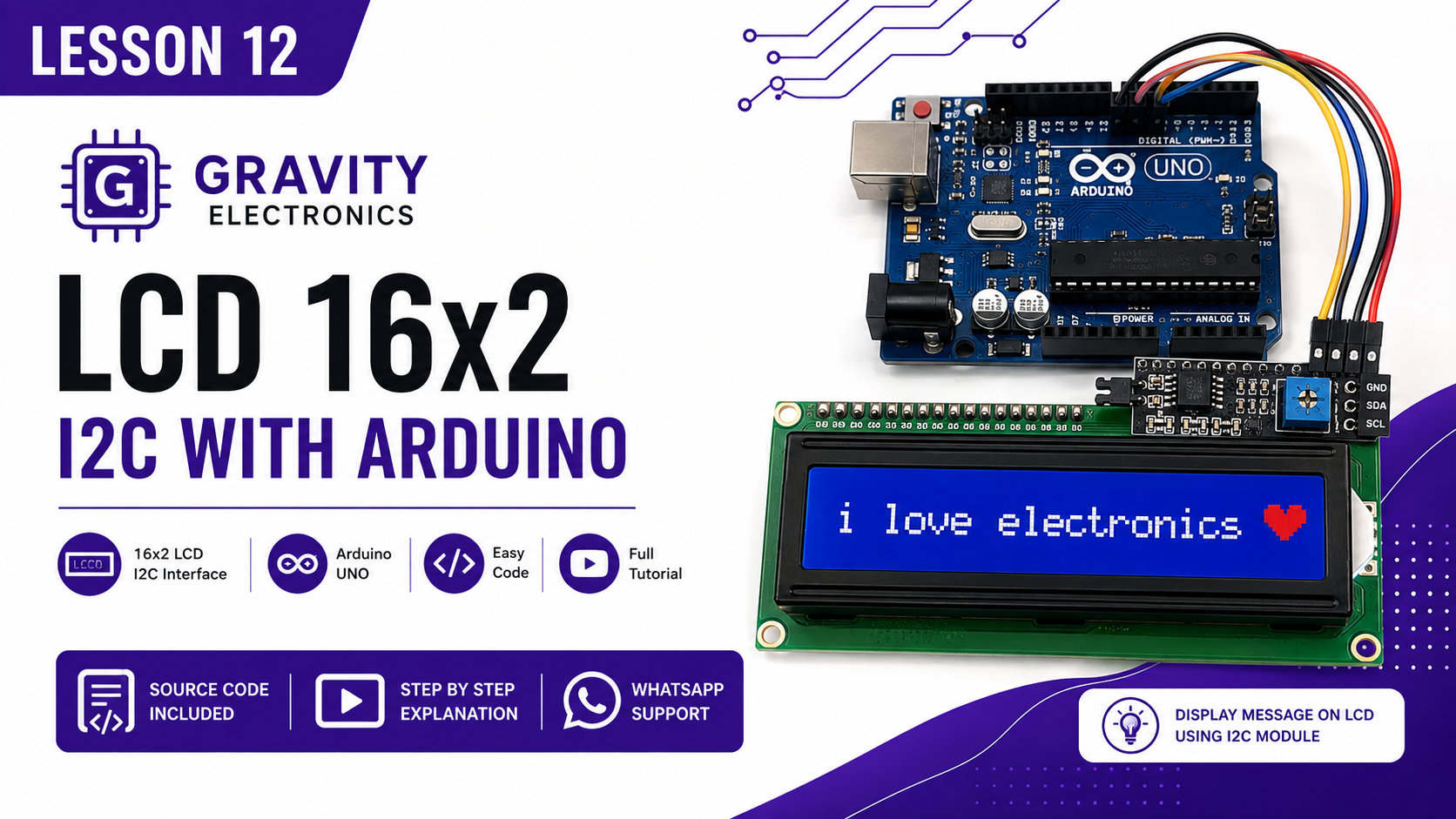
LCD 2X16 I2C and add Library
-CODE
#include <Wire.h>
#include <LiquidCrystal_I2C.h>
// عنوان الشاشة (غيره إلى 0x3F إذا لزم الأمر)
LiquidCrystal_I2C lcd(0x27, 16, 2);
// شكل القلب
void setup() {
// تشغيل الشاشة
lcd.init();
lcd.backlight();
// حفظ شكل القلب في الذاكرة رقم 0
// كتابة السطر الأول
lcd.setCursor(0, 0);
lcd.print("Hello gravity");
// كتابة السطر الثاني
lcd.setCursor(0, 1);
lcd.print("arduino course");
// طباعة القلب
}
void loop() {
}
#include <Wire.h>
#include <LiquidCrystal_I2C.h>
// عنوان الشاشة (غيره إلى 0x3F إذا لزم الأمر)
LiquidCrystal_I2C lcd(0x27, 16, 2);
// شكل القلب
byte customChar[8] = {
0b00000,
0b01110,
0b01010,
0b01010,
0b01010,
0b01010,
0b01110,
0b00000
};
void setup() {
// تشغيل الشاشة
lcd.init();
lcd.backlight();
// حفظ شكل القلب في الذاكرة رقم 0
lcd.createChar(0, customChar);
// كتابة السطر الأول
lcd.setCursor(0, 0);
lcd.print("I Love");
// كتابة السطر الثاني
lcd.setCursor(0, 1);
lcd.print("Electronics ");
// طباعة القلب
lcd.write(byte(0));
}
void loop() {
}
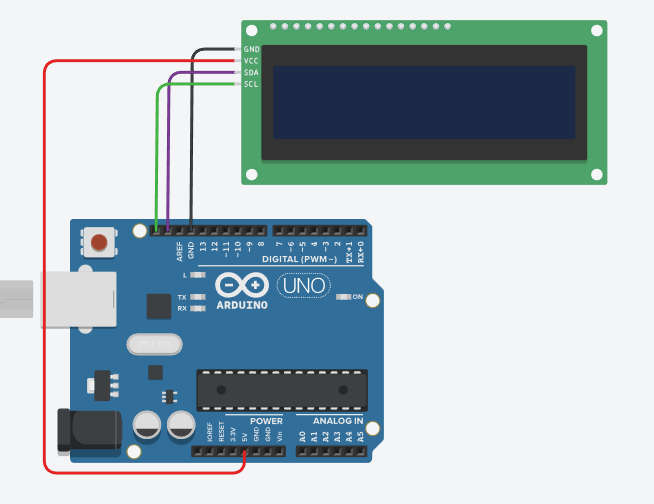
-CIRCUIT DIAGRAM
-COMPONENTS
• Arduino Uno R3
https://www.gravityelectronic.com/shop/arduino-uno-r3-clone-original-chips-cable-30-cm-14248
• LCD 16x2 I2C
Module https://www.gravityelectronic.com/shop?search=LCD%2016x2%20I2C
• Breadboard (830 Points)
https://www.gravityelectronic.com/shop/breadboard-830-point-not-split-power-rails-13419
• Jumper Wires
https://www.gravityelectronic.com/shop/jumper-wires
-LIBRARY
https://github.com/johnrickman/LiquidCrystal_I2C