5kg Load Cell – Strain Gauge Weight Sensor (Half-Bridge)
⚖️ 5kg Load Cell – Strain Gauge Weight Sensor (Half-Bridge)
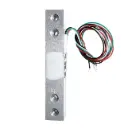
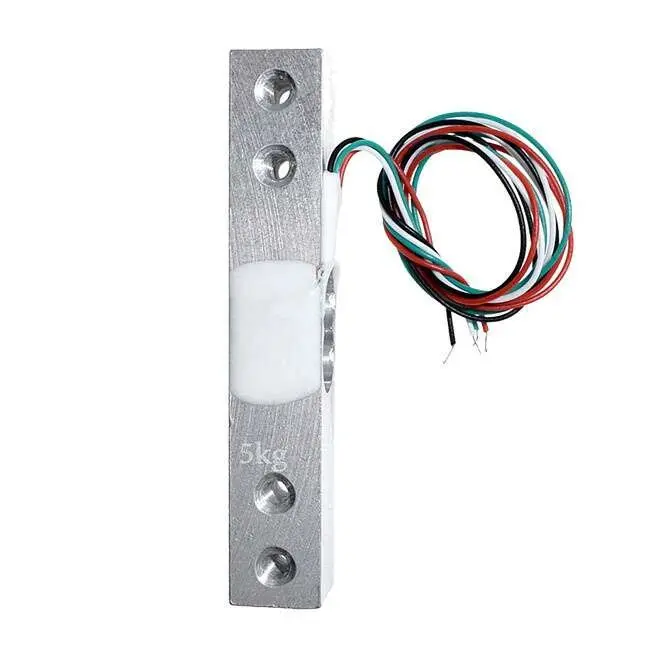
The 5kg Load Cell is a precision strain gauge sensor used for measuring weight and force up to 5 kilograms. Commonly used in digital scales, force measurement devices, and IoT-based weight monitoring systems, this sensor outputs an analog signal based on the mechanical deformation caused by the applied load.
⚙️ Technical Specifications
| Parameter | Specification |
|---|---|
| Rated Load | 5 kg (Max) |
| Output Sensitivity | ~1.0 mV/V (typical) |
| Operating Voltage | 5V – 12V DC (excitation) |
| Output Type | Analog (millivolt signal) |
| Material | Aluminum Alloy |
| Mounting | 4 mounting holes for easy integration |
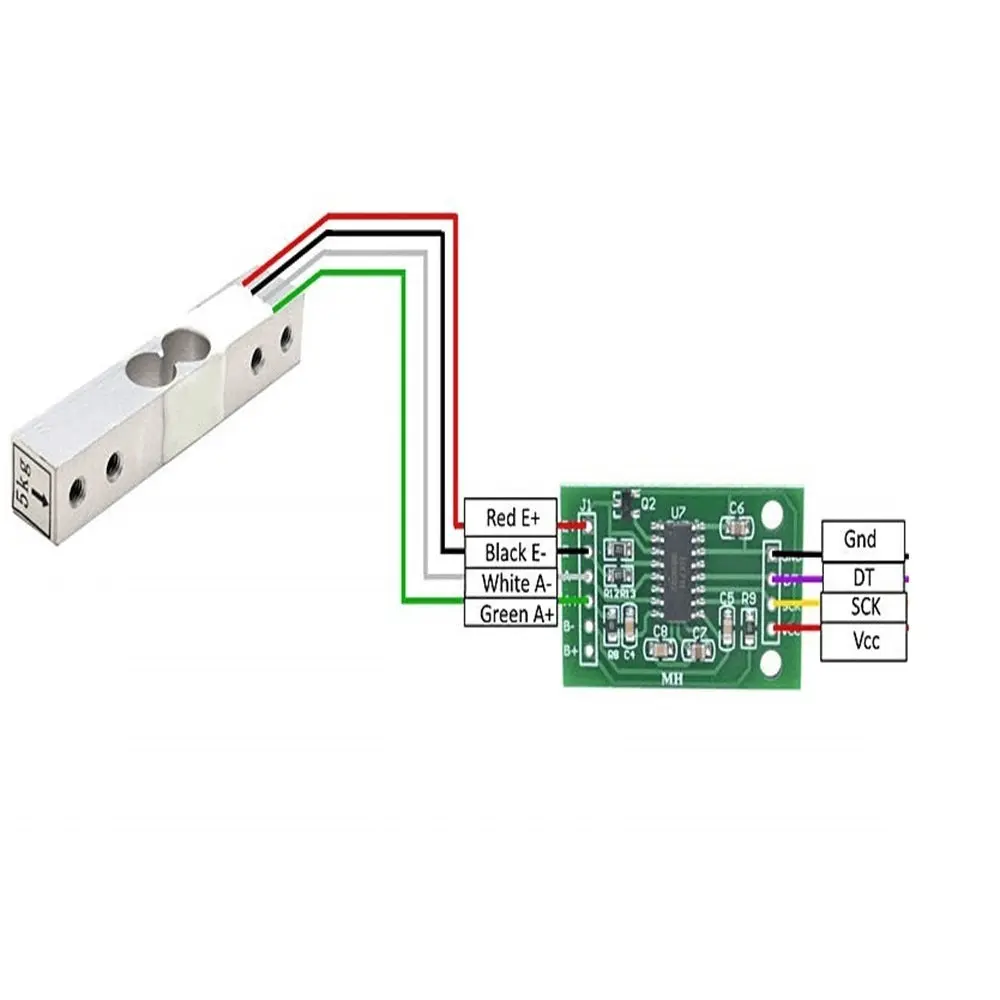
| Wiring | 4-wire (Red, Black, Green, White) |
| Dimensions | ~75 × 12.7 × 12.7 mm |
🧪 Wire Color Reference
| Color | Function |
|---|---|
| Red | Excitation+ (E+) |
| Black | Excitation– (E–) |
| Green | Signal+ (S+) |
| White | Signal– (S–) |
📚 How to Install the HX711 Library in Arduino IDE
The HX711 library simplifies communication between your Arduino and the HX711 load cell amplifier.
🔧 Option 1: Install via Arduino Library Manager
Open Arduino IDE
Go to Sketch > Include Library > Manage Libraries
In the Library Manager, type HX711 in the search box
Look for "HX711 by Bogdan Necula" or "HX711 by SparkFun"
Click Install
✅ You're ready to use the library in your code!
🔧 Option 2: Manual Installation (ZIP File)
Download the library ZIP file from GitHub:
📁 HX711 Library GitHub (by bogde)Open Arduino IDE
Go to Sketch > Include Library > Add .ZIP Library…
Select the downloaded ZIP file
🛠️ Applications
Electronic weighing scales
Kitchen or postal scales
Force detection and robotics
Smart shelves or bin monitoring
IoT load-measuring systems
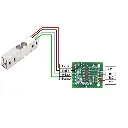
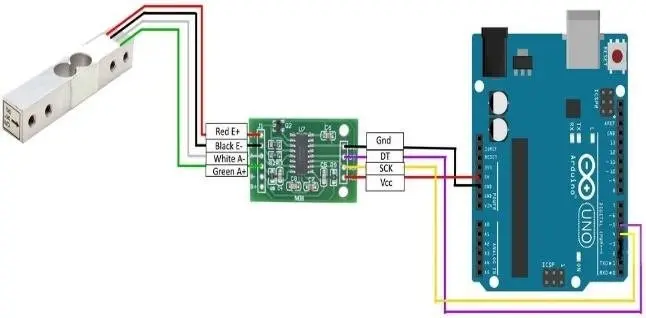
🎮 Arduino Setup with HX711
📦 You will need:
5kg Load Cell
HX711 Module
Arduino/ESP32
📋 Library: HX711.h
#include "HX711.h"

HX711 scale;

void setup() {
  Serial.begin(9600);
  scale.begin(3, 2); // DT = pin 3, SCK = pin 2
  scale.set_scale();
  scale.tare(); // Reset scale to 0
}

void loop() {
  Serial.println(scale.get_units(), 2); // Print weight
  delay(500);
}